
A personal-style look at an AI video editor: what catches my attention, what gives me pause, and who might actually find it useful.
First Impressions: Convenience, Not a Magic Button
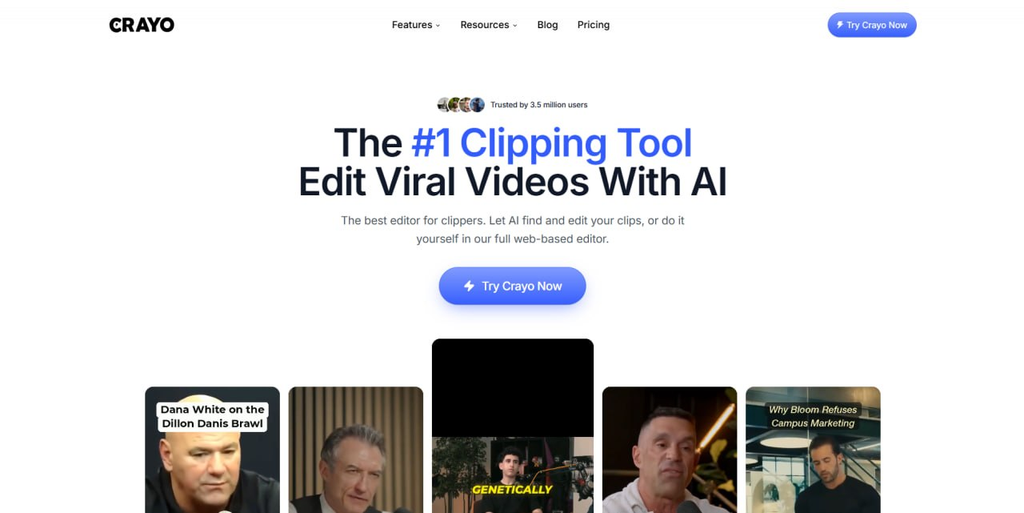
I came across Crayo.ai while looking into tools that promise to take some of the exhausting repetition out of video editing. Anyone who has stared at a 45-minute interview and wondered which thirty seconds deserve their own TikTok will understand the appeal. Crayo is aimed at that exact problem: turning longer footage into short clips, adding attention-grabbing captions, and preparing the result for TikTok, Instagram Reels, or YouTube Shorts.
What interests me is not the promise of a “viral” video. That word gets thrown around so easily that I have learned to be skeptical of it. The more convincing idea is the workflow. According to Crayo’s product pages, its AutoClip feature can help identify moments, crop for vertical formats, and add titles. You can review the suggested clips, make adjustments, and export something closer to what you actually want to post.
How I Would Fit It Into a Real Content Day
Imagine I have a long podcast episode to repurpose. My ideal process would be to let the AI surface candidate moments, then watch them with a human editor’s instincts: Does the opening make sense without the full conversation? Is the punchline still there? Is the message fair to the speaker?
After that, I would adjust the pacing, check the captions, and listen to transitions before publishing. That is a hypothetical use case, not a measured speed test.
My initial takeaway is simple: Crayo looks most valuable as a shortcut through the repetitive parts of editing, not as a replacement for taste. A good short video is still about timing, context, and knowing what your audience finds worth watching.
What I Like: The AI Helps, but the Editor Stays in Control
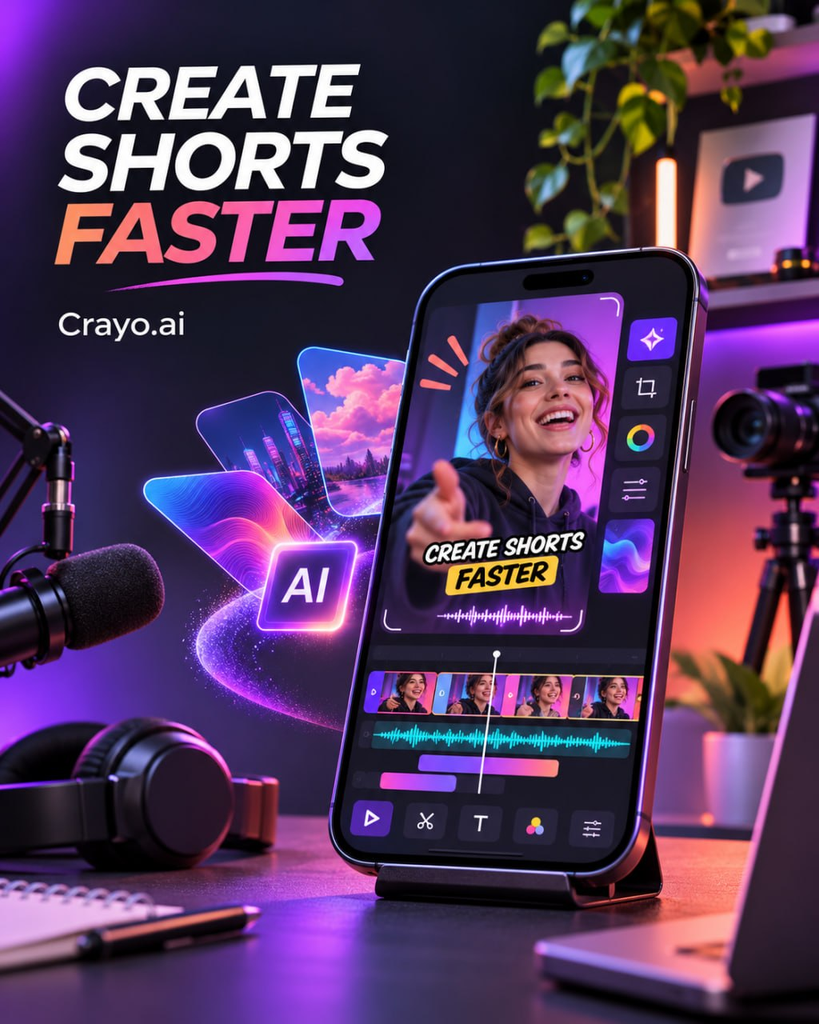
The feature that stands out to me is the browser-based editor. Crayo describes a multi-track timeline for footage, captions, text, and audio, with controls to trim, split, rearrange, zoom, and add transitions.
That may sound basic, but it matters. An automatically selected clip can be promising and still need five tiny fixes. Being able to make those fixes in the same workspace is much more practical than exporting halfway through and starting over elsewhere.
Captions are another reason I can see the appeal. Crayo advertises multiple animated caption styles and speech recognition across many languages.
For mobile viewers who watch on mute, good captions are not just decoration; they make the content easier to follow.
I like having the option to highlight a word, change the placement, or make the text feel less generic.
I would still proofread every line, especially names, slang, technical terms, and fast speech. AI subtitles can look polished while quietly getting the meaning wrong.
The Parts That Make Me Hesitate
The first limitation is the biggest one: no software can guarantee that a video will go viral.
An algorithm may spot an energetic sentence or a change in expression, but it can miss the setup that makes a moment funny, meaningful, or accurate.
A clip taken out of context may be punchier and less truthful at the same time. I would never publish an AI-selected excerpt without watching what came immediately before and after it.
I also worry about creative sameness.
Fast-moving subtitles, dramatic zooms, and vertical crops work because people recognize the style, but a feed full of identical edits quickly becomes exhausting.
Templates are helpful starting points; they should not become a channel’s personality.
I would use Crayo to get a usable rough cut, then adjust the typography, rhythm, and storytelling so the final video still feels like mine.
Finally, there are performance questions I cannot answer from a website alone: how reliably larger files upload, how long exports take at busy times, and how accurate the captions are for the particular audio I use.
Those are the practical details I would test with my own footage before treating Crayo as a permanent part of my workflow.
Pricing: I Would Read the Limits Before the Headline Number
At the time I checked, Crayo’s pricing page offered plans named Hobby, Clipper, and Pro.
The quarterly-billing option showed advertised equivalents of roughly $19, $39, and $79 per month, respectively, charged in quarterly installments; monthly and annual billing can differ.
The Hobby tier was listed with 250 workflow credits each month, two hours of video export, and 30 minutes of voiceover.
Since plans change, I would verify the live details directly before paying.
What matters to me is that “unlimited creativity” is not the same thing as unlimited usage.
I would compare credits, export minutes, voiceover time, and the rules for renewal or expiry.
Crayo’s FAQ states that included credits refresh monthly rather than rolling over, and it describes a no-refund policy.
If I only made a few clips a month, choosing an expensive tier just in case would feel unnecessary.
Figure 3: A checklist of things to consider before choosing a paid AI video-editing subscription.
Customer Feedback Is Worth a Careful Look
Public reviews of Crayo are mixed.
Some reviewers appreciate the convenience, while others describe frustrations involving functionality, billing, or support.
That does not prove every user will have the same experience: review sites are self-selected, and individual complaints need context.
Still, when a product is subscription-based, I think the billing terms and support experience deserve as much attention as the flashy demo videos.
So, Would I Recommend Crayo.ai?
For podcast editors, interview channels, livestream creators, or small teams producing multiple short clips from longer recordings, I can understand why Crayo belongs on the shortlist.
It brings clipping, captions, and finishing touches into one place.
For someone doing detailed long-form filmmaking, complex color work, or only one occasional post, a conventional editor may offer better value.
My verdict is cautiously positive.
I like the idea of AI as a practical assistant that removes repetitive work while letting me retain control of the story.
I would start with a small, representative project, check the outputs carefully, and read the subscription terms before committing.
Crayo may help me publish faster; it cannot decide what is worth saying in the first place.
Sources & References
- Official website: https://crayo.ai
- Video Editor: https://crayo.ai/features/video-editor
- AI Captions: https://crayo.ai/features/ai-captions
- Pricing: https://crayo.ai/pricing
- Customer Reviews: https://www.trustpilot.com/review/crayo.ai
Editorial note: This review reflects a personal perspective based on publicly available product information and customer feedback as of November 19, 2026. It does not represent a paid hands-on product test.